Container platforms
"Clusters" page and cluster detail
This section is for companies running their applications on a container platform. If that word means nothing to you, you have none: move on to the next lesson with an easy mind.
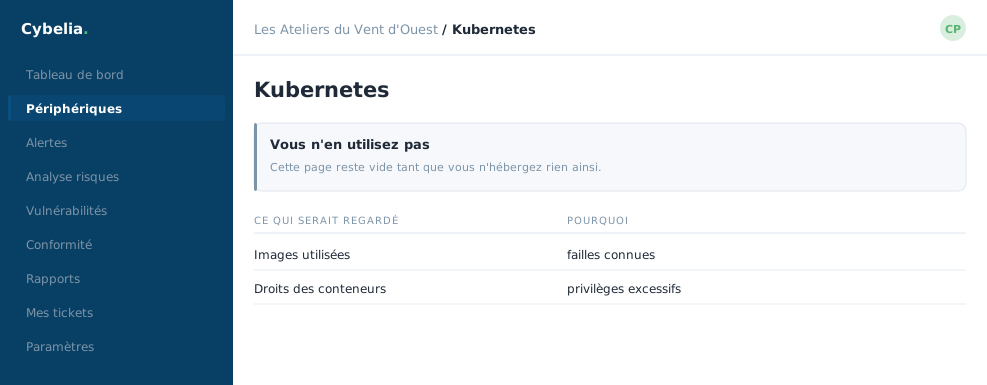 A page that stays empty as long as you host nothing that way.
The list of platforms
Each connected platform shows its name, its version, its operating mode, the number of events in the last twenty-four hours, and the date of the last report. The Connect a platform button asks for a name, a distribution and an optional address, then provides a sending token shown only once. Note it down straight away; if it is lost, it is regenerated and the old one stops working.
The detail: four tabs
| Tab | What you see there |
|---|---|
| Runtime | What the running applications actually do. |
| Network | Who talks to whom, with source, destination and verdict. |
| Compliance | The deployment rules that were not respected. |
| Vulnerabilities | Known flaws in the components used. |
The mode is the most important setting, and it is reversible. Four choices: observe only (nothing is blocked), simulation (actions are prepared but not applied), enforce (rules are applied), isolate (the suspect element is set aside). You always start with observation, and move on when comfortable.
A progression, not a leap
Moving from one mode to another is done in a drop-down list, and undone just as fast. At most customers the platform stays in observation for weeks, long enough to learn what is normal there, which is the right way to go about it.
In closing
If this vocabulary means nothing to you, it does not concern you, and the section will not appear in your menu. For the others, the issue is one sentence long: an outdated image is a vulnerability that deploys itself.
Commenting is not enabled on this course.