Signing in : and what if I lost my password
"Login" and "Forgot password" pages
The welcome screen simply says Welcome, keep watch over your cybersecurity. Two fields: your email, your password. That is all.
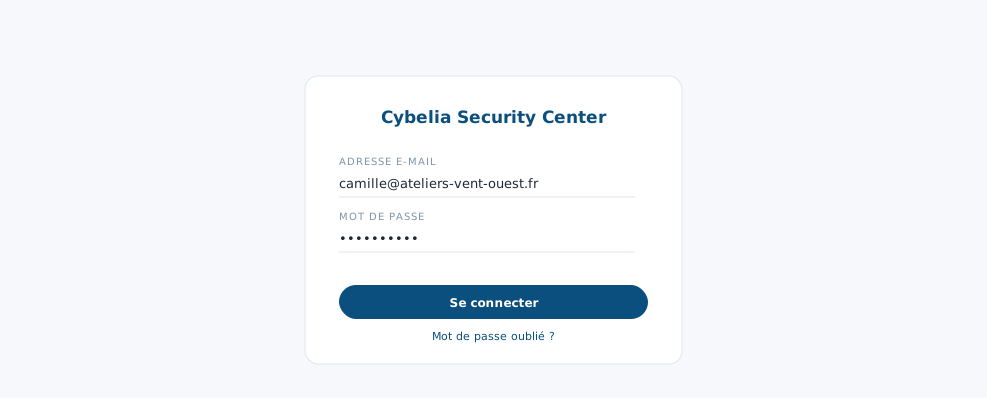 The sign-in screen, and the quiet link for a forgotten password.
The second check
If your account is protected by a second check, another screen will ask for the six-digit code shown by your authenticator app. That code changes every thirty seconds; if you type it too late, ask for a new one, it is not your mistake.
This second check is not compulsory, but it is strongly advised for accounts that can change things, Camille's and Farida's, for example.
Forgotten password: click "Forgot?" next to the field. You enter your email, a code arrives in your inbox, you choose a new password. Nobody, not even Cybelia Cloud, can read your old password, that is by design.
Two messages that worry people for nothing
"Account locked": too many failed attempts in a row. It is not a punishment, it is protection against someone trying to guess your password. An email explains how to reopen access.
"Access suspended": the account's email address was never confirmed. A message to Cybelia Cloud support is enough to reactivate the account.
The new password must be at least ten characters, with a lower-case letter, a capital, a digit and a special character. The screen tells you as you type what is still missing.
In closing
A long password and two-step verification are enough to protect your access. If you lose it, the reset procedure is there to be used: it is no admission of failure.
Commenting is not enabled on this course.