The Calendars screen
Four views, one calendar
The calendar icon opens your calendars. Top right, four buttons change the view: Month, Week, Day and Work week, the one that hides Saturday and Sunday. At the workshop the work week is the default view: it shows the jobs without the noise of the weekend.
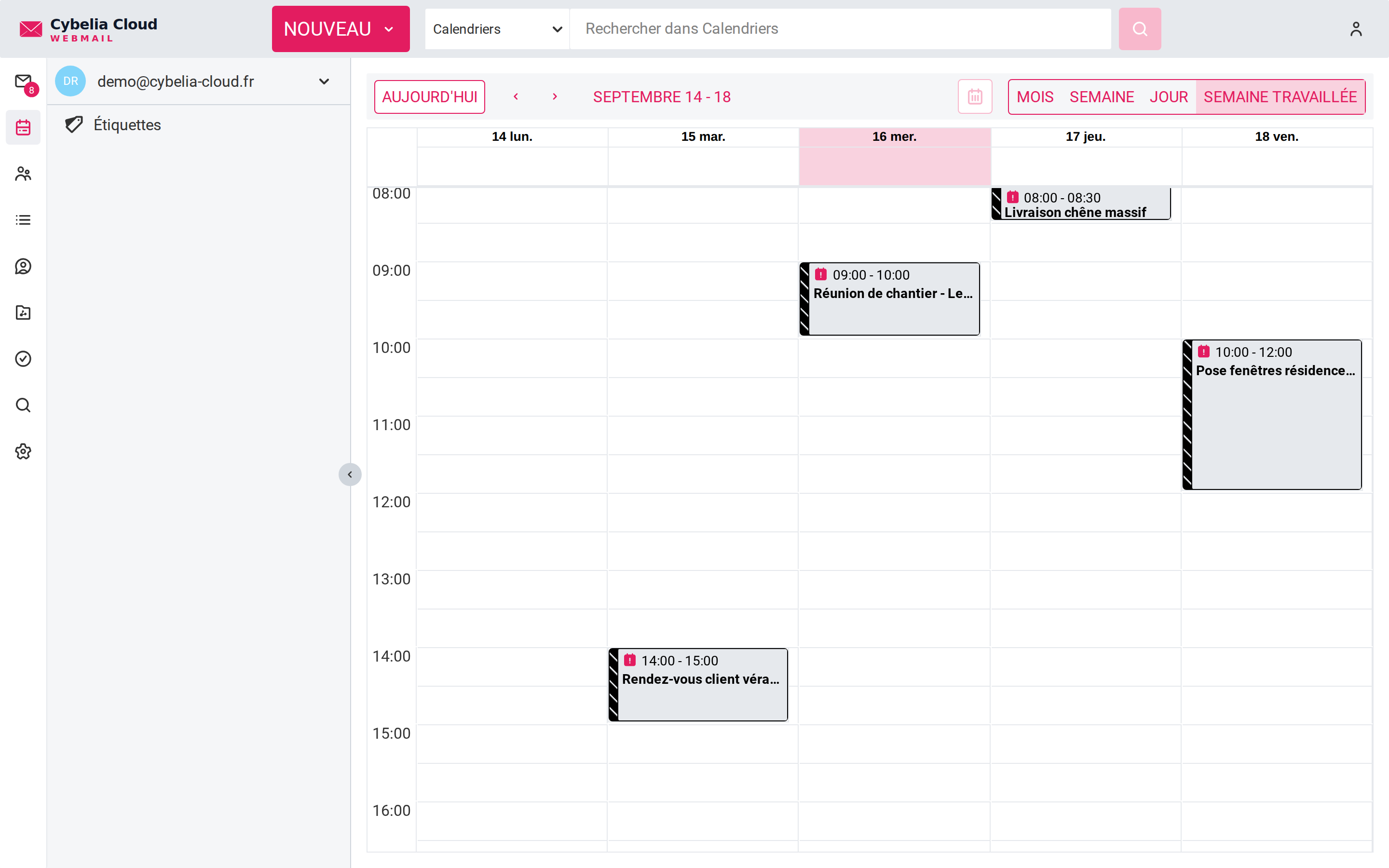 The workshop's week: jobs, deliveries and customer
appointments, each in its own colour.
Several calendars, several colours
You start with one calendar; nothing stops you creating others. Right click Calendar, then New calendar: a name, a colour. The workshop keeps three: Jobs, Deliveries, Customer appointments. Each is ticked or unticked in the column to lighten the display.
A checkbox, at creation, lets you keep a calendar out of your availability: useful for a personal calendar, whose events you want to see without their blocking your slots in colleagues' eyes.
Importing, exporting, subscribing
A right click on a calendar offers to import a calendar file received by mail, or to export your own. You can also subscribe to an outside calendar, the public holidays for instance: unlike an import, which freezes a copy, a subscription keeps itself up to date.
The shared calendar replaces half the phone calls. Before asking "where are you on Thursday?", look: if the calendar is kept, the answer is already on screen.
In closing
A shared diary is only worth what is put in it: what is not there does not exist for the others. Four views are enough, and the working week is the one most people keep on screen.
Commenting is not enabled on this course.