The project board : /atelier
Where the ERP changes shape
The workshop is the part of the portal where you stop consulting and start transforming. Here you decide a field is missing, you try it, you note it, you put it live. This page is its threshold.
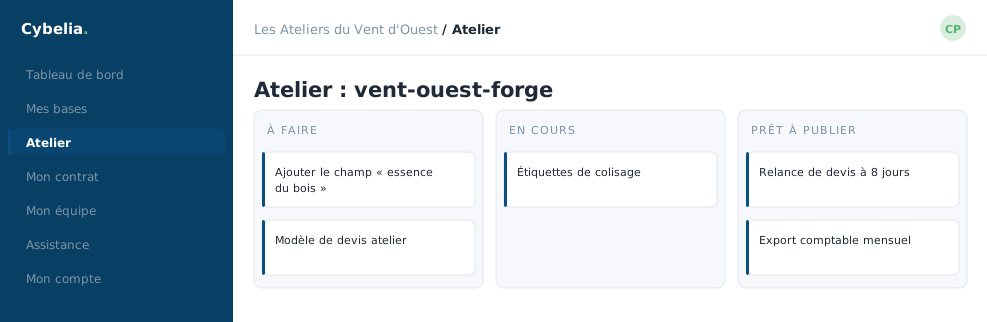 The workshop: pick the database you will work on,
then follow the project screen by screen.
The workshop: pick the database you will work on,
then follow the project screen by screen.
Choosing a database
The heart of the page is a grid of cards, one per accessible database. Each card carries the database name, its label, working database, test database, sandbox, its last update, and three buttons: Design my tool, Tasks and Changes.
A database marked "Parked" shows an amber badge: it is under notice for lack of use. Opening it is enough to keep it.
The state of your customisations
A box tells you whether your customisation package already exists and what it holds: how many models, how many screens. It is the bag in which all your bespoke changes accumulate, and it is what will go live when the day comes.
A project lives on a database, never in the abstract. If no database is available to your account, the page says so and offers to open a ticket, rather than showing an empty table with no explanation.
What comes next
Once a database is chosen, every workshop screen shares the same tab strip: the chat with the project lead, the task board, my changes, the go-live. You move between them without ever changing database.
Yanis opens this page on Monday morning. He looks at the tasks first, then moves on to the changes. Camille only opens it on go-live day.
In closing
The workshop is the only place in the portal where you transform rather than consult. Everything there starts with the same step: choosing the database you work on. Check its label before going further, it tells you what you are risking.
Commenting is not enabled on this course.