Creating a test database : /forge/new
A form with two questions
You get here from the "Create a test database" button on the database list. The page asks for two things only.
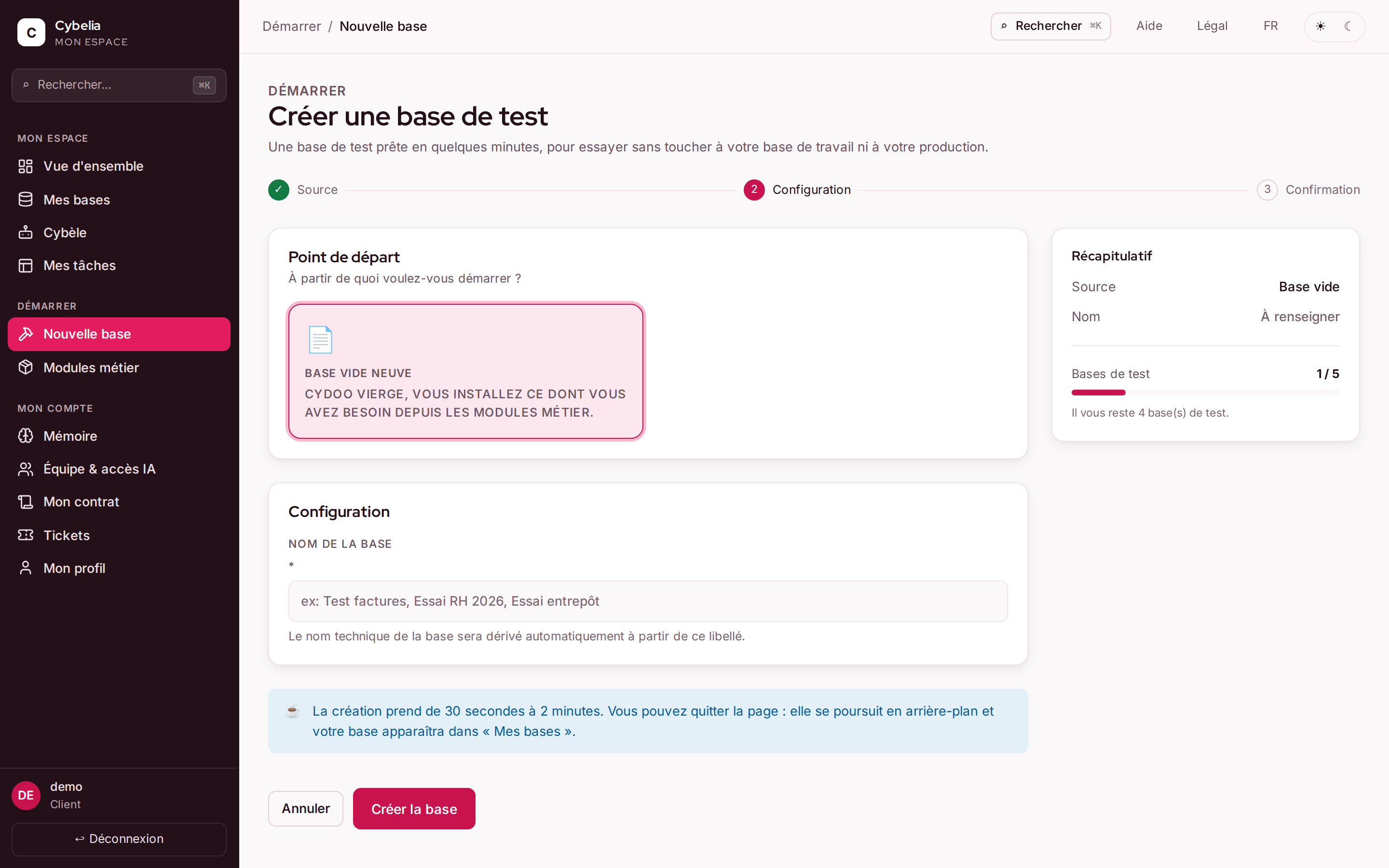 Just two questions: the database's name, and whether it starts empty or with sample data.
A name. Yours, in plain words, fifty characters at most: "Invoice trial 2026", "WMS sandbox". The portal derives a technical name from it on its own; you need not think about that.
A source. Two families of choice, shown as cards:
- A fresh empty database, a blank Cydoo, onto which you will install what you need from the feature catalogue.
- A clone of a demo, a database already filled with sample data for a trade, ready to be handled. That is Tom's choice when he wants to practise with nothing to prepare.
The quota gauge
Above the form, the same bar as on the database list: how many test databases you use out of how many you are allowed. When it is full, the create button on the list is switched off and the gauge reads "full". You then delete a test database, or ask us for one more.
Creation does not lock your screen. You submit, the portal returns you to the database list with the message "Creation under way", and the database is prepared in the background, in around two minutes. You can close the tab, shut down the machine, go to lunch: the work carries on.
Two special cases
If your account is not yet attached to a company, the page says so plainly and offers to open a ticket rather than leaving you in front of a form that would fail.
If creation fails, it happens, rarely, the database appears as "Failed" in the list, with the reason in plain words, a button to clear it away and a button to try again.
In closing
A name and a source: creating a test database asks nothing more. Give it a name that will still say what it was for in three weeks' time; that is the only care that really matters here.
Commenting is not enabled on this course.