Online services, and the remote hand
"Collectors", "Events", "Incidents" and "Remote terminal" pages
Four screens for companies that run services hosted online, or that have a technician work remotely. If you have neither, they simply will not appear in your menu.
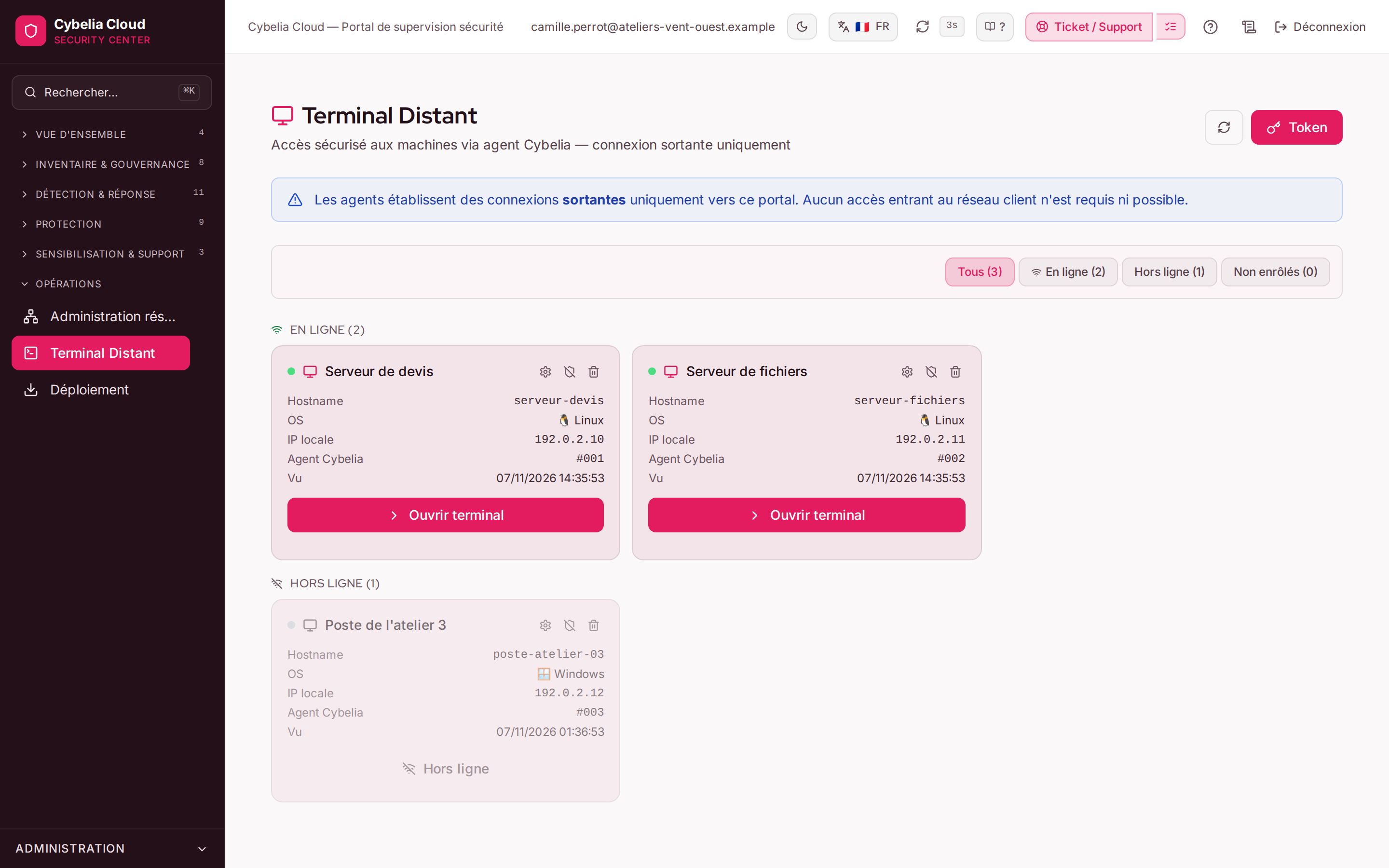 The remote hand: nothing opens without your consent, and everything is recorded.
Collectors: connecting a source
A collector is a connection to an outside service, online hosting, a container platform. You give it a name, a type and read-only credentials. Two buttons: Test, which checks the connection works, and Collect, which fetches data. Test first: it costs nothing and avoids nasty surprises.
Events: the timeline
Everything the collectors brought back, in time order. Four counters, including the last twenty-four hours' total, and a chart of the ten most frequent types. You filter by type, by severity, by source address.
Incidents: joining the dots
An "Analyse" button rereads all the events and groups those that seem to tell the same story. Each incident gathers the clues and a timeline. Five states let you follow along: open, investigating, contained, resolved, false positive. The last two are set with one click.
The remote terminal is fenced in, and it says so on the page: agents only open outbound connections. No inbound access to your network is required or possible. Nobody comes into your premises: it is your machine that calls out.
Remote terminal: the helping hand
It lets an authorised technician work on a machine without travelling. Every session is traced end to end. Access goes through a token you generate yourself, shown only once, which you can revoke at any time with one click. The list of active tokens shows their last use, a token never used can be revoked without regret.
In closing
These four screens only appear if they concern you. Remote hands, in particular, is traced end to end: every command issued is recorded, which protects the technician as much as it protects you.
Commenting is not enabled on this course.