Images : your personal library
The /images page
Everything you have shown your AI, screenshots, site photos, diagrams, scanned pages, is kept in one place and reusable without sending it again.
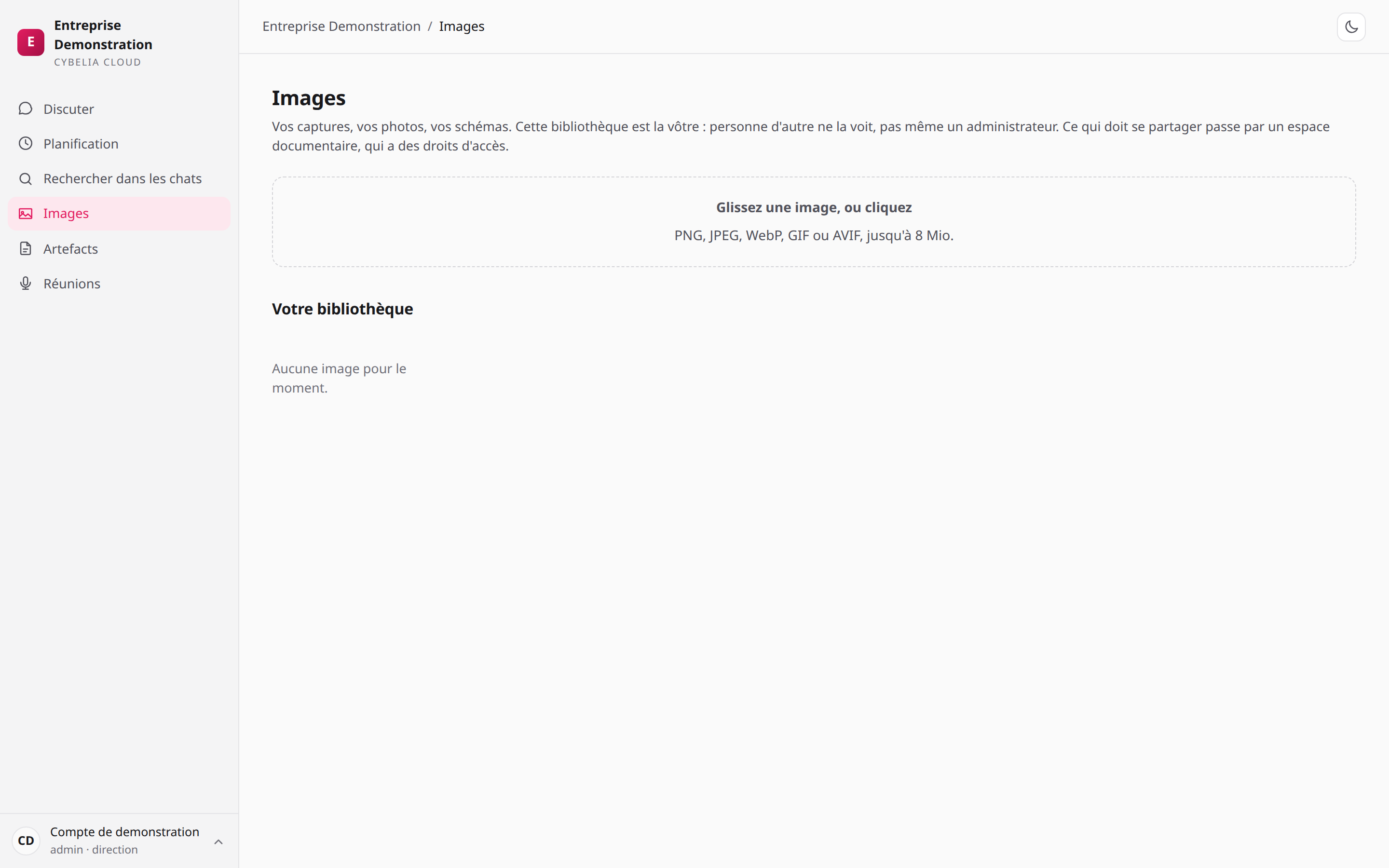 Your image library, yours alone: not even an administrator gets in.
Who this library belongs to
To you, and to nobody else. Not your colleagues, not an administrator at your company, not Cybelia Cloud. It is the same principle as your personal space: what is private stays private.
Jack photographs a badly machined part and asks "what went wrong here?". The photo stays in his library. Emily will not see it, even if she searches. This is not a setting: it is the product's partition.
Using them again
An image from the library attaches to a new message in one click. Useful for the things you comment on regularly: a plan, a brand guideline, a dashboard, a machine diagram.
An image is not a document
It serves your conversations; it does not enter the company corpus. A plan that everyone needs to know goes into Documents, not here. The rule is simple:
| It serves you | It serves the company |
|---|---|
| Images | Documents |
| A photo used to ask a question | A plan Jack will need to find in six months |
What it can do with an image
Read photographed text, describe a scene, compare two versions of a plan, read a value off a display. It does sometimes get handwriting or a blurred photo wrong, check the figures it reads out to you, just as you would check those of a colleague in a hurry.
In closing
This library belongs to you alone: neither your colleagues nor an administrator can see anything in it. Above all it saves you sending the same site photo three times over.
Commenting is not enabled on this course.