Forgotten password, and signing out
The /mot-de-passe-oublie and
/deconnexion pages
It happens to everyone, and it is neither serious nor embarrassing. The link sits on the sign-in page itself, in plain sight rather than tucked into a corner: someone locked out does not go exploring, they give up.
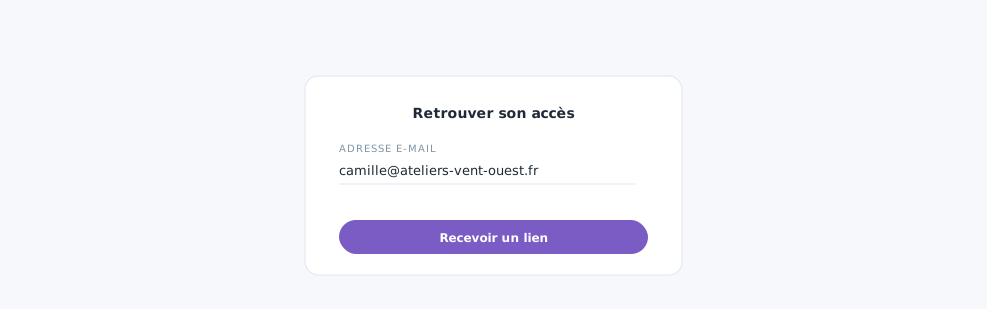 A forgotten password sorts itself out: the link goes to your address.
Requesting a new password
You give your address and receive a link to choose another one. Three things are worth knowing:
- The page always answers the same thing, whether the address is known or not. Otherwise it would become a directory.
- The link is valid for about twenty minutes, and once only.
- Your old password stays valid until you have chosen a new one. Asking for the link therefore does not lock you out if your memory comes back in the meantime.
Link not arriving? Check the junk folder, then check that you typed your work address, the one the account was created under. That is by far the most common cause.
Signing out
The button closes this session, on this device. Nothing is lost: your conversations, your images and your documents are all there when you come back.
On a shared machine, the front desk computer, the workshop tablet, make it a reflex. And if you forgot to do it on a computer you will not see again, the Settings page lists your open sessions and lets you close them remotely.
In closing
Losing your password is neither serious nor shameful, which is why the link is in plain sight on the login page. Signing out of other devices is the first thing to do if you have any doubt.
Commenting is not enabled on this course.