Setting the display: light or dark
A comfort setting, not a technical one
In the top bar, a link switches between light and dark display. Yanis, whose workshop is brightly lit, keeps the light one. Farida, who works late, prefers dark at the end of the day.
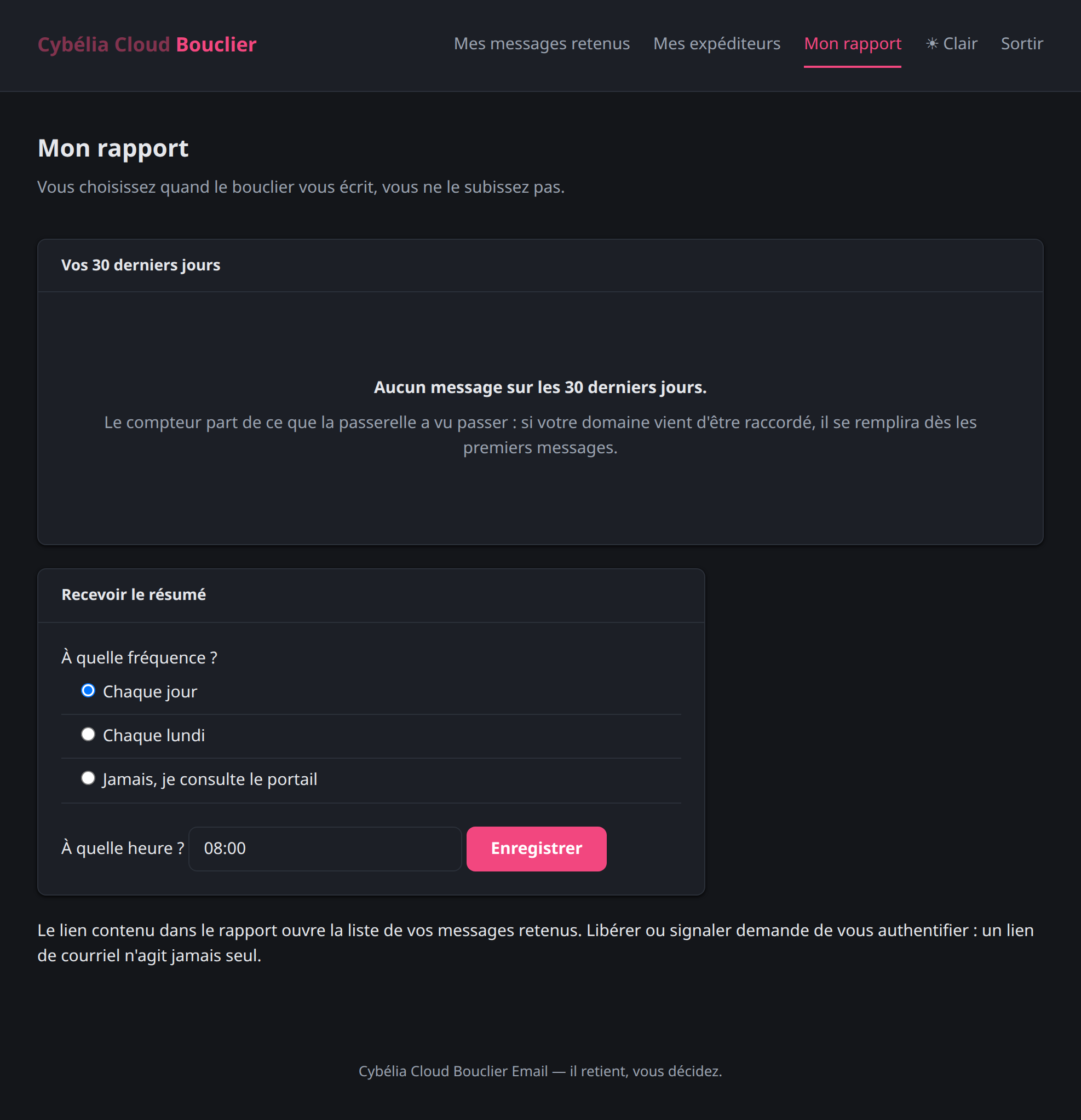 The same screen in dark display.
What the setting remembers
Your choice is kept on the device you use, and it survives signing out. If you open the portal from another computer, you will have to switch once there.
Until you choose, the portal follows your computer's own setting: dark if your system is dark, light otherwise. Many users will therefore never need to touch this link.
Why this is not mere decoration
Tom often checks the portal on his phone, in the workshop, in broad daylight: the light display stays readable where the dark one washes out. Farida, rereading her held messages in the evening, finds the opposite. Neither is wrong — it is the light around the screen that decides, not taste.
The portal is also readable at high magnification and works with screen readers: the report figures, for instance, are announced together with their labels, and the proportion bar is described in words rather than left silent.
This setting changes nothing about the filtering. It is the portal's display, nothing else. No message is treated differently according to the colour of the screen.
Commenting is not enabled on this course.