The admin console, for the person in charge
A screen most users will never see
This lesson is for Emily, and her alone: the admin console opens at a different address from the portal, and an ordinary user account has no access to it. It is there to see the whole picture, not to sort one's own mail.
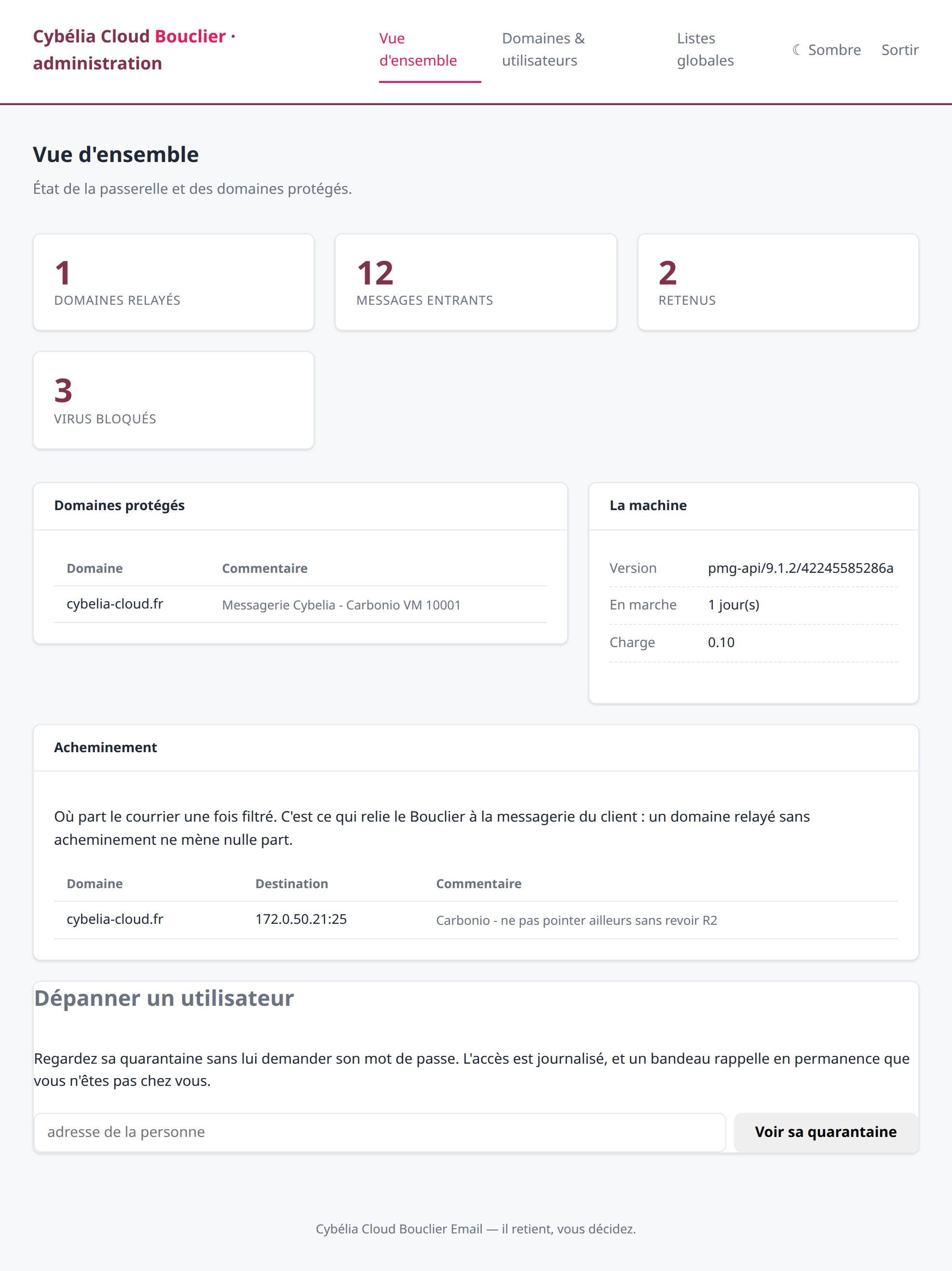 The overview: protected domains, volumes, gateway
state.
Domains and users
This tab shows the protected domains and the people who have received mail through the gateway, with their counters.
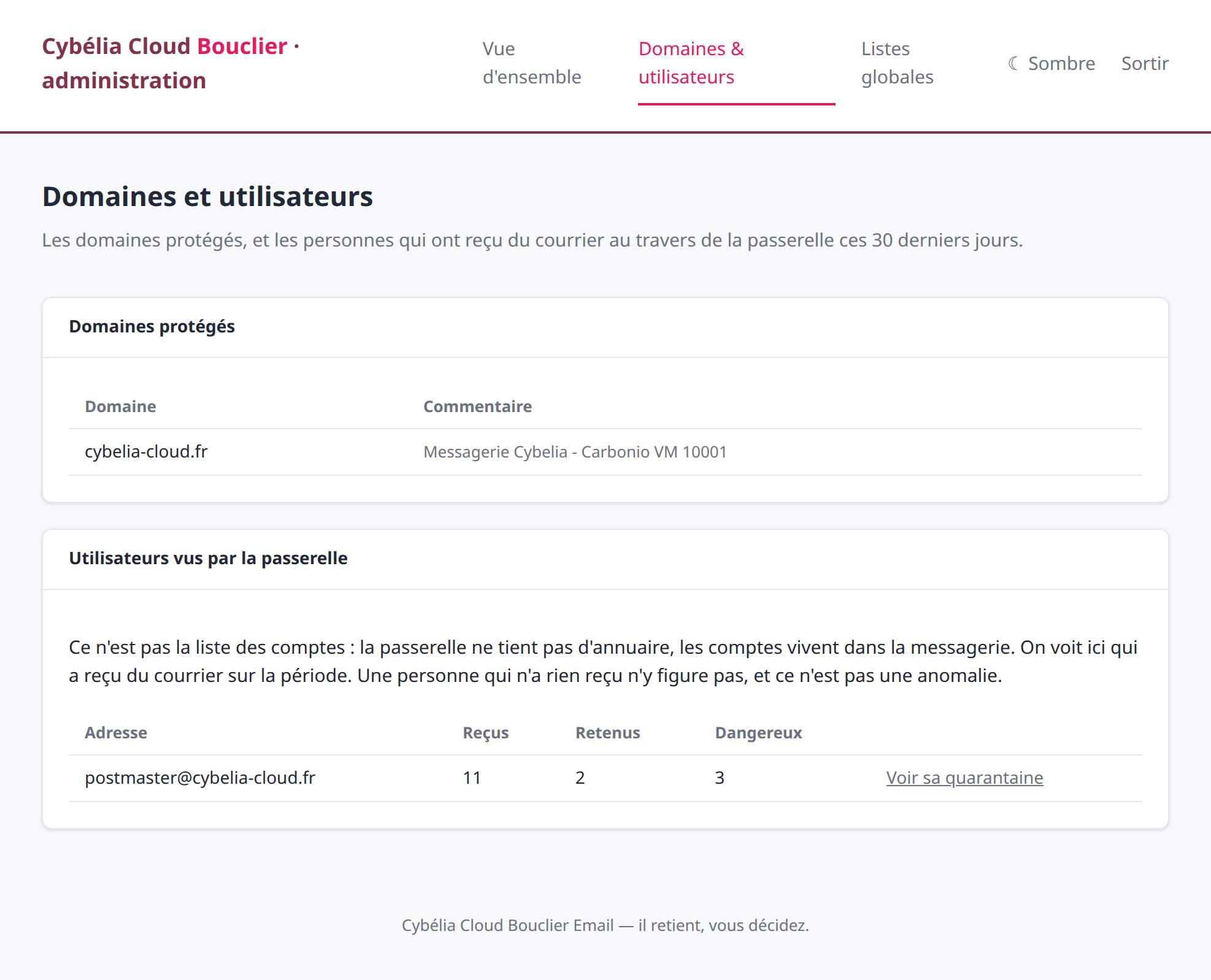 Who received what, and the button to help someone
out.
This is not the company's account directory: the gateway keeps none. A person who received nothing over the period does not appear, and that is not an anomaly.
Helping someone without asking for their password
The "View their quarantine" button, on each line, opens that person's quarantine. Emily can answer Jack calling from the workshop without making him spell out a password over the phone: which must never be done.
Throughout, a banner at the top of every screen reminds her that she is looking at someone else's mailbox, and a link brings her back to her own account. Every such session is recorded: who looked at whose mailbox, and when.
The global lists
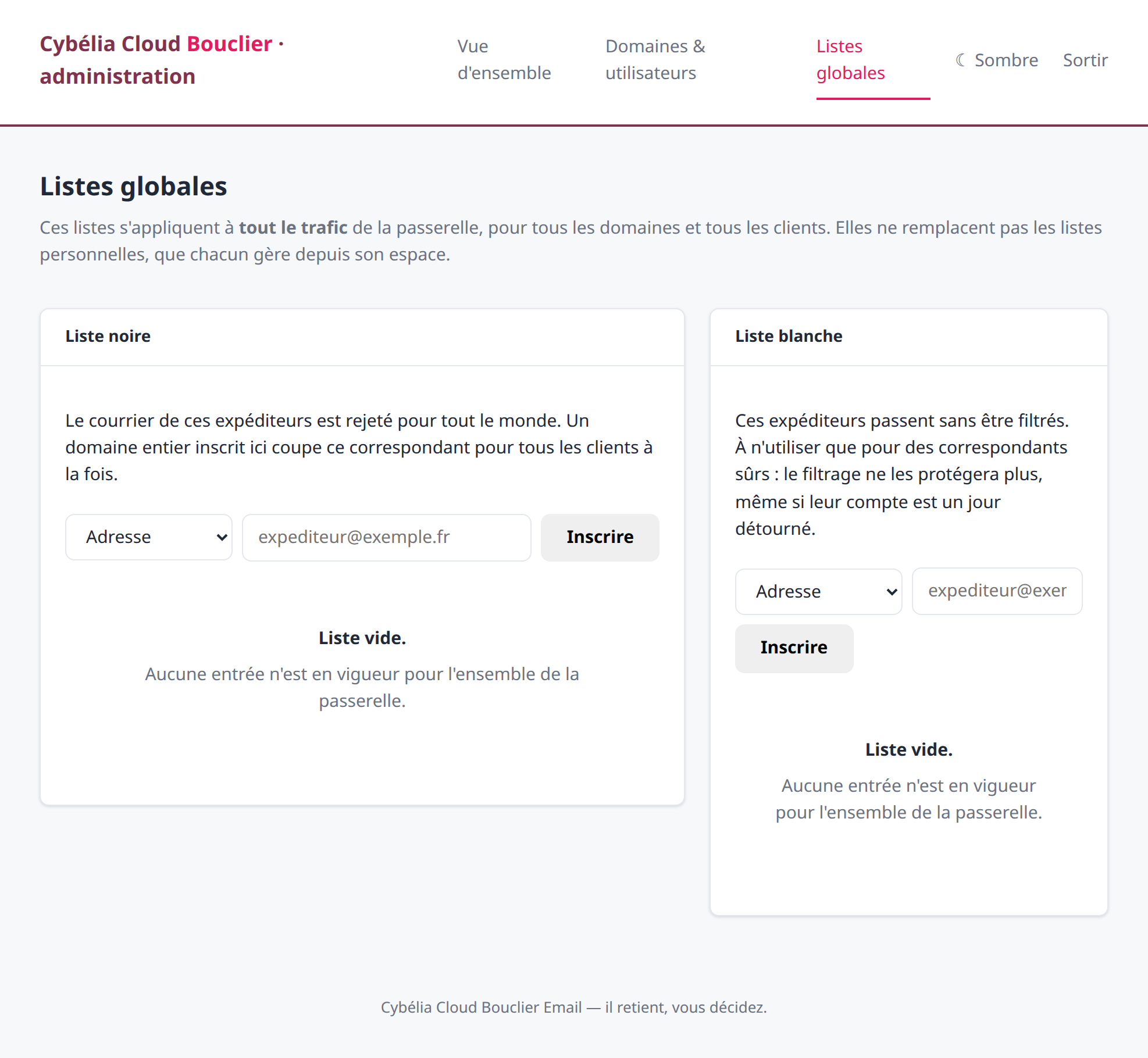 The two lists that apply to the whole
company.
Unlike the personal lists, these apply to all traffic. A whole domain blacklisted here cuts that correspondent off for everyone at once. It is powerful, so handle it with care.
If in doubt about an entry for the global lists, call Cybelia Cloud before rather than after. A badly placed blacklist entry is rarely noticed at once: what you notice, three days later, is that a customer has stopped replying.
Commenting is not enabled on this course.