Signing in to the portal
An address, a password, nothing to install
The Bouclier portal opens in a browser, at the address Cybelia Cloud gave you when your domain was connected. It starts with bouclier. followed by your company name.
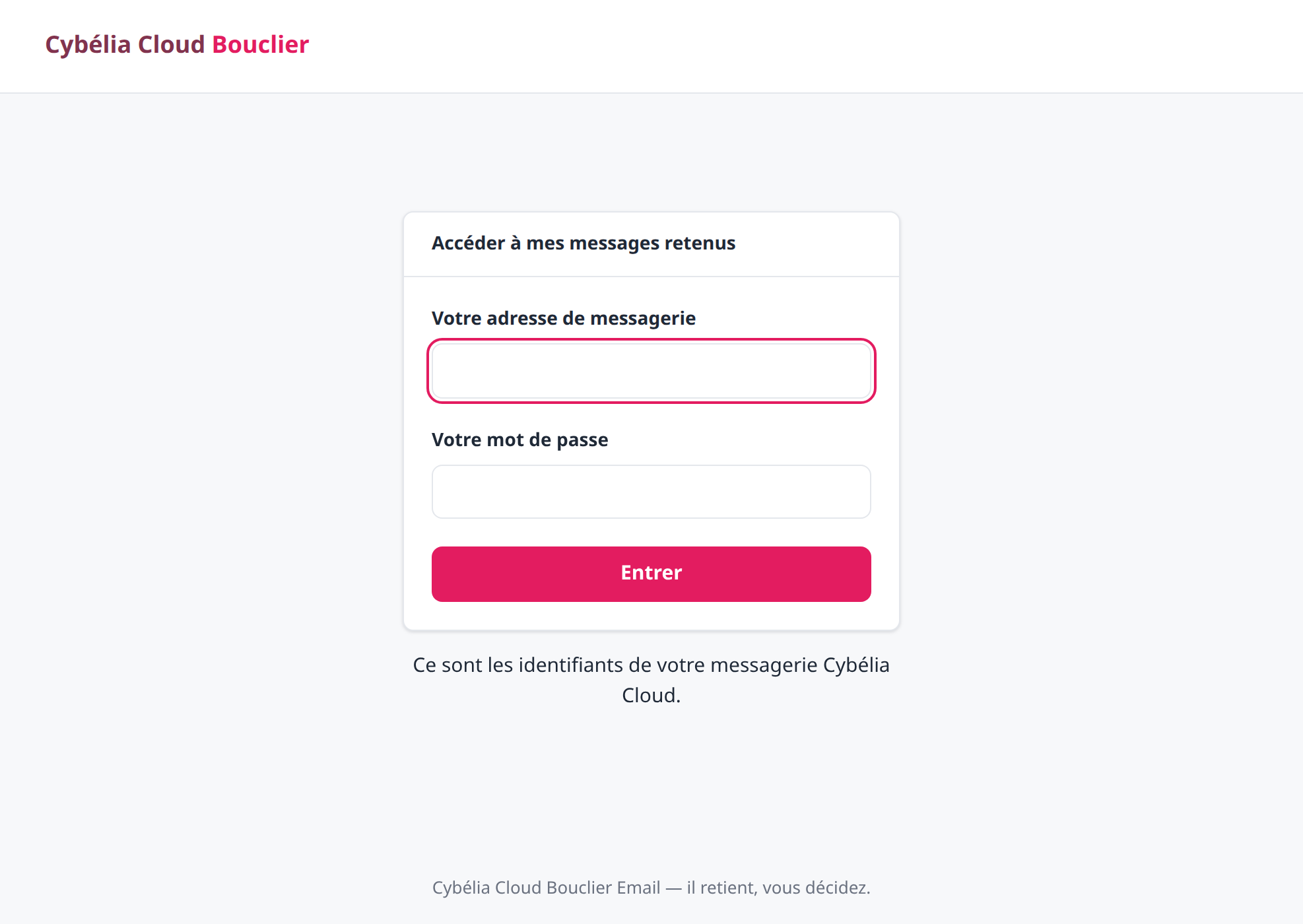 The sign-in screen. Two fields, nothing else.
Which password?
Your mailbox one. The portal does not create a new password and keeps none: it presents yours to the gateway, which answers yes or no. If you change your mailbox password, the portal follows automatically, with nothing to do.
That is also why nobody, not even Cybelia Cloud support, can "give you back" your Bouclier password: there is no such thing.
The usual way in: the report link
In practice Sarah almost never types that address. She clicks the link in the report she gets in the morning, which takes her straight to the list of her held messages. The portal then asks her to sign in: a link received by email never acts on its own, and that is deliberate: if someone intercepted that email, they could not release anything.
You cannot break anything from this portal. It only gives access to your own held mail. Nothing you do there touches your inbox, your folders, or your colleagues' mail.
Commenting is not enabled on this course.